Compare any models across every prompt
A new side-by-side grid: pick up to 10 models and see how each one built every prompt, in one scrollable table.
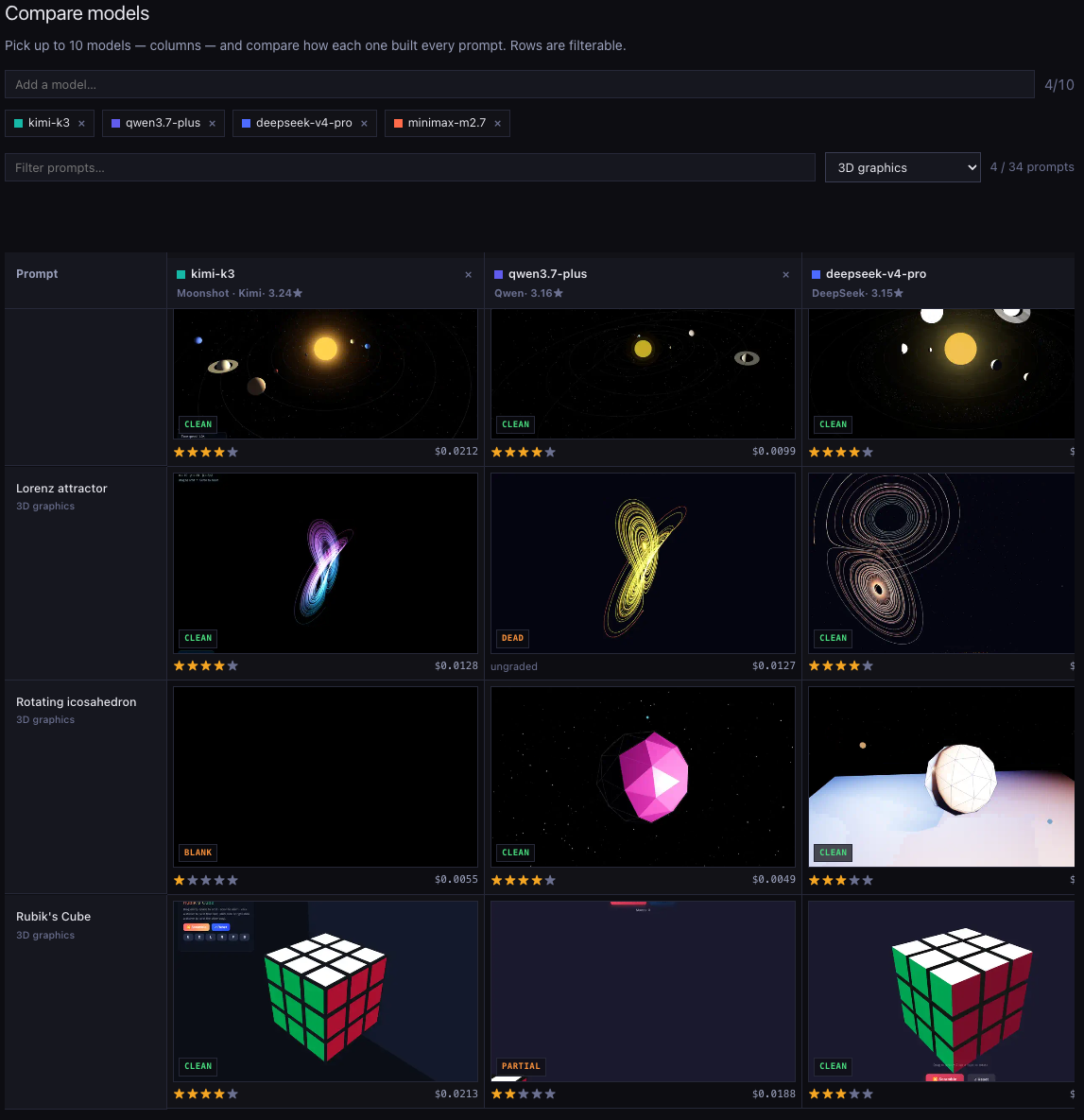
Until now you could compare every model on a single prompt, or read one model's whole run list — but not line several models up against each other across the board. The new Compare models page does exactly that.
Search for up to 10 models — they become the columns. Every prompt is a row, so by default you get the full board; filter the rows by name or category to zero in on, say, just the 3D builds. Each cell is the real one-shot build: its preview, its verdict badge, its star rating, and what it cost, linking straight to the live run. The strongest build in each row is highlighted, so the winner of every head-to-head is obvious at a glance — even across ten columns, not just two.
Your selection and filters live in the URL, so any board you assemble is a link you can share. Go build one.